
Have you ever thought about how a small online bookstore can grow to become the backbone of the entire internet? It really is quite surprising, yet aws amazon web has become such a powerful force that it secretly powers everything from our favourite streaming apps to huge government databases.
The Absolute Behemoth: What is AWS Amazon Web Services?
Frankly, if you plan on doing something online, Amazon will be hard to avoid. Amazon is no longer just a delivery company. As early as 2006, Amazon discovered that they had become very good at managing their own servers and thought, “Why wouldn’t we rent this space to other people?”
aws amazon web services is essentially a gigantic, highly diversified platform of tools. There are over 200 services which have been developed to the point of receiving all the necessary features. Planning to run a blog? They will help you with that. Training a complicated AI to forecast weather? They can assist you with that too.
There is both beauty and headache in its size. The premise is that “pay-as-you-go” is driving the world’s growth. In really old times, for example, if you wanted to start a company, you had to buy the devices, put them in a server room, and pray that they do not catch fire. These days, all you need is a few clicks.
Why Everyone is Obsessed with Amazon AWS Web Hosting
If you hang out in the tech world for a while, you will definitely hear the term elasticity more than once. It is actually a very important concept and in fact, it basically means that the entire platform is expandable and flexible.
Think that a video you posted suddenly goes viral. Initially, the video was only intended for 10 people, but now, there are already 10 million visitors. A traditional server would simply fail here. It would give up. But with AWS, the systems detect that the traffic is surging and automatically “stretch”. More virtual power is activated to manage the load and then – this is the crucial element it goes back to the original size when the enthusiasm fades so you are not paying for the power that you are not using.
The Core Components You’ll Actually Use
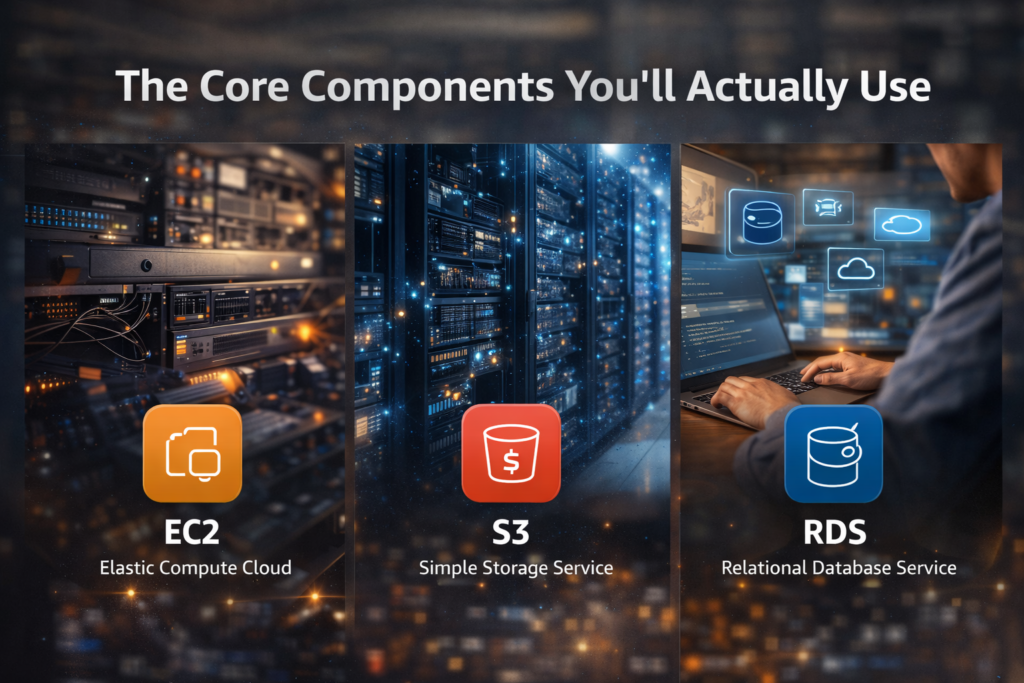
The vast majority of people who start out won’t see 90% of what’s inside the console. Typically, most of us only use the “Big Three”
- EC2 (Elastic Compute Cloud): This is like a computer that is virtual, but located on the cloud. You decide the RAM, the CPU, and the OS.
- S3 (Simple Storage Service): This is the place where you can store your files. Pictures, videos, logs. You can store an unlimited amount of data.
- RDS (Relational Database Service): No more worrying about database management.
| Service Category | Popular Tool | Best For… |
| Compute | EC2 | Running applications and code |
| Storage | S3 | Holding massive amounts of data/files |
| Database | DynamoDB | High-speed, non-relational data |
| Networking | VPC | Creating a private, secure network |
| Serverless | Lambda | Running code without managing any servers |
Getting Real About the Learning Curve
Look, I’m not going to pretend that aws amazon web
is a piece of cake. It’s not. The user interface looks like that of an airplane, a 747 to be precise. It seems a new term is created for every feature: IAM, VPC, SQS, SNS… the list goes on, you can hardly distinguish the letters.
Nevertheless, the most important thing is this: you do not actually need to know everything. While most of us engineers might still go online for a refresher on how to set up a Security Group every now and then, very few have truly exhaustive knowledge. The idea is not to have the entire guide memorized; it’s to understand the underlying design and how systems fit together—especially when thinking about resilience, backups, and enterprise recovery systems in real-world environments.
Is it Actually Cheaper? (The “Bill Shock” Factor)
Most of the time new users love AWS because of the low starting point (sometimes free, via a “Free Tier”). Though if you’re not careful, you’ll probably end up with a $5,000 bill after your running a high-powered instance for the whole weekend.
We all have done that at least once. “Pay-as-you-go” mode is a double-edged sword. It is great for cash-strapped startups, but as the company grows, the bills can get… steep. That explains why Cloud Financial Management (FinOps) is an entirely new job market. People literally get six-digit paychecks to monitor AWS use in a company and prevent waste of resources.
The Security Side of Things
Some people are always worried about storing their data on the “outsider’s computer.” That’s perfectly understandable. In fact, Amazon has probably the best physical security and digital security measures out there compared to any private data center that you might build. They are operating a system called the Shared Responsibility Model
Amazon: Amazon ensures its buildings remain secure, keeps the power running, and protects hardware from tampering.
You: You manage your passwords properly, avoid weak credentials like “Password123,” and ensure your database isn’t exposed to the public internet. In most AWS breaches, misconfigured settings—not Amazon—cause the issue. When a breach happens, look at configuration first instead of blaming Amazon.
Viral Videos and the Cloud

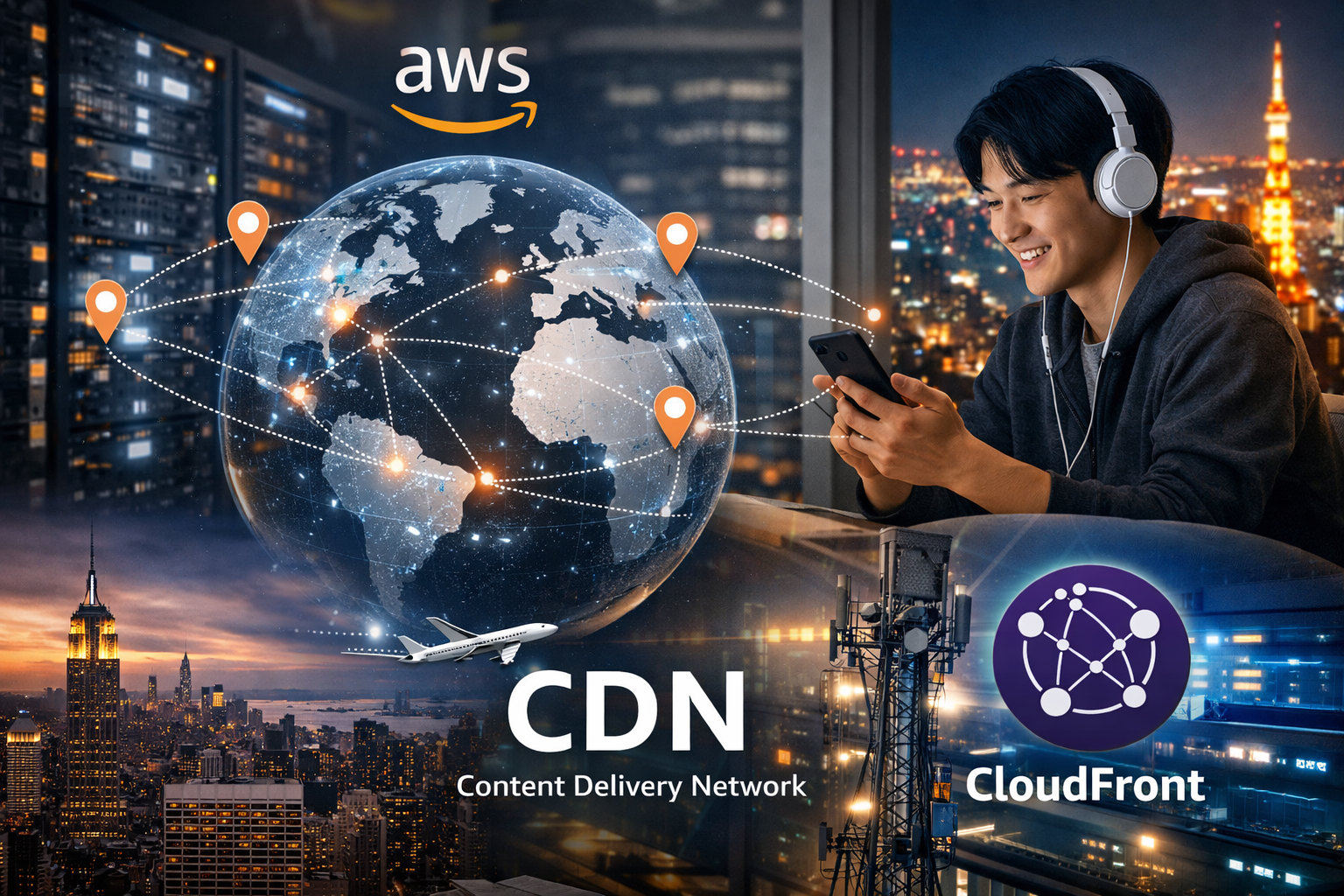
It’s ironic how we don’t see the connection, but “viral videos” wouldn’t be possible without this kind of infrastructure. Whenever a video becomes viral, servers around the world stream it. AWS operates “Edge Locations” across the globe. So if you are in Tokyo watching a video uploaded in New York, you are not pulling that data across the ocean. Instead, a nearby server delivers the content to you. This setup is called a CDN (Content Delivery Network), or CloudFront in the AWS world.
How to Get Started Without Breaking Anything
If you are just interested, you can try the Free Tier. Limited usage for free and for 12 months is how it works.
Step 1: Make an account (if you want to get started, at least you will have to provide your credit card information).
Step 2: The very next thing you should do, and really it may well be the single most important thing, is to set up a “Billing Alarm.” Don’t set it very high – I mean, $1 is fine. If you ever get over-budget, Amazon will notify you by email.
Step 3: Just ssh a tiny T2.micro instance and account to host a basic HTML page.
There is something comforting about realizing that NASA and CIA have access to the same technology as you.
The Future: AI and Beyond
The biggest buzzword of the moment is Bedrock. So basically, you don’t need to worry about your AI models anymore when you are using Generative AI applications built on Amazon. You simply “rent” the AI. It is very clear that aws amazon web services
is heavily focused on machine learning at the moment. Besides just becoming the “internet’s hard drive,” they also want to be the “internet’s brain.”
The cloud is a mess, a labyrinth, and at times, incredibly costly. However, it is without a doubt the most powerful tool developers have ever had. A mere coffee shop, a laptop, and stable internet connection are all you need to start building your global empire.
FAQs (People Also Ask)
- Is Amazon Web Services totally free?
Both yes and no: The “Free Tier” lasts 12 months and strictly limits the usage. If you go beyond those limits—say you keep a server running which is a bit too powerful—then you are going to get charged. Make sure you check the usage limits before clicking “Launch.” - Which is the best cloud provider: AWS, Azure, or Google Cloud?
The answer is really on what you want to do with them. AWS, being the largest, has the most options. Azure works great if your team is already very reliant on Microsoft products. For data analytics and advanced AI, Google Cloud is more popular. Most people pick AWS first because it has the biggest user base and most helping resources. - Do I have to code to use AWS?
In the beginning, no, it is not a must but definitely, it is advisable. If you use your mouse, no problems navigating the web interface but to do more complex tasks or automation, you will for sure have to learn some scripting or how to use CLI (Command Line Interface). - How much does it cost to get an AWS certificate?
You can take the simplest “Cloud Practitioner” certification exam for around $100. The Associate-level test costs about $150. They are definitely worth the investment if you are job hunting because a lot of companies won’t even consider your CV without one. - What are the consequences if there are issues at AWS?
People would disappear from the internet if AWS suffered a giant outage (which happens rarely). You can see Reddit and Slack amongst the affected ones. Even smart light bulbs start to fail. Realizing how dependent we are on the AWS network is what the incident highlights.
Anyway, that is both a brief and a long explanation. It is a huge world to get into and you don’t have to learn it all at once. Just take small steps, keep an eye on your billing alerts, and don’t hesitate to experiment with broken things–usually, that’s the way you learn most in the cloud.