
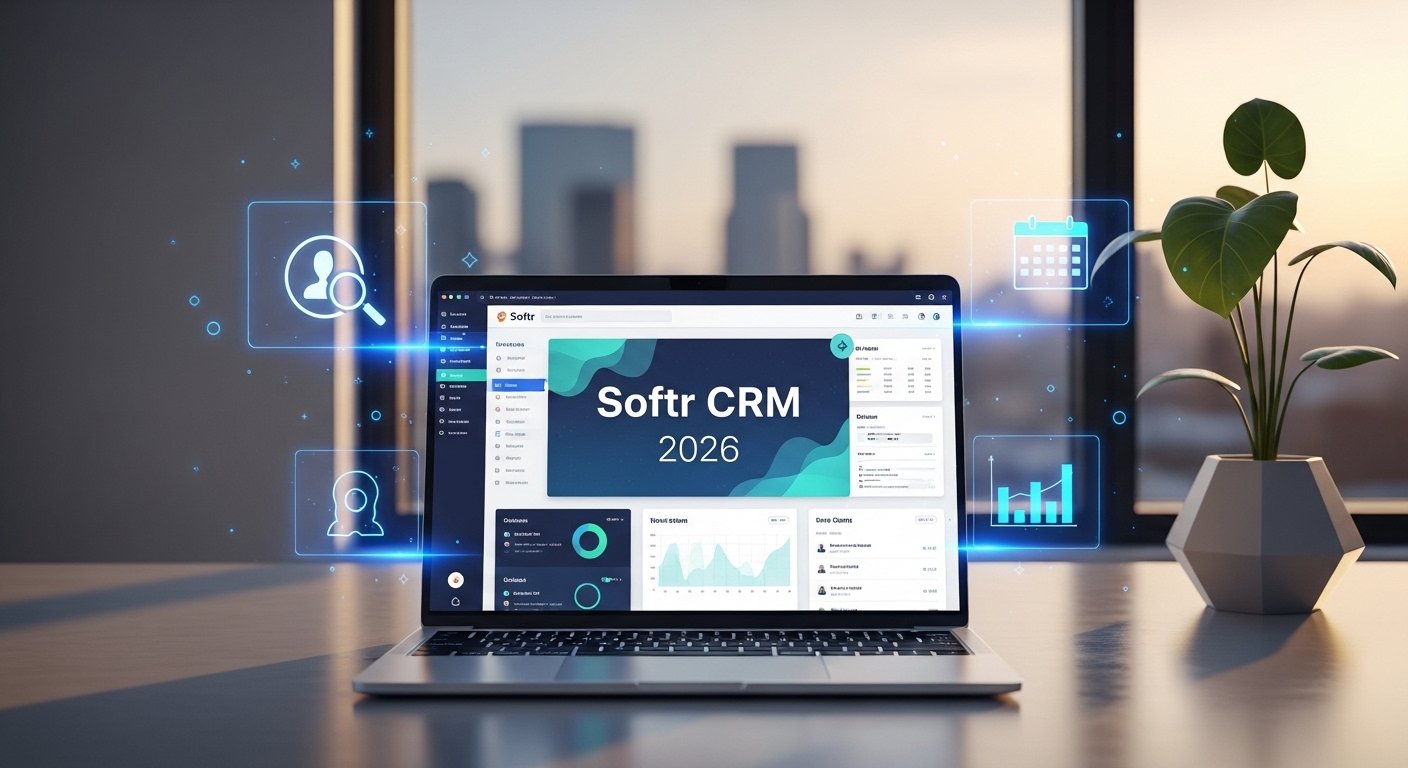
When you’re trying to keep up with a growing list of leads without losing your sanity, standard spreadsheets just won’t cut it anymore. Moving your data into a softr crm is a massive relief because it turns those messy rows into a professional, easy-to-navigate app where you can actually see your deals moving across the finish line.
What exactly is a Softr CRM?
A softr crm is a custom-built tool that lives on top of your existing data sources like Airtable or Google Sheets. Unlike standard “off-the-shelf” software that forces you to use their rigid layouts, this setup lets you build a front-facing app that looks and feels exactly how you want it. It’s essentially a “full-stack” no-code builder where you create the database, design the user interface with drag-and-drop blocks, and set up the logic for how your team interacts with leads.
Is a custom CRM worth the effort?
Absolutely, especially because it scales with you without the typical per-seat pricing that kills small business budgets. Instead of paying for a bunch of features you never use, you only build what you need—like simple lead tracking or a complex client portal. It’s about total control; you own the data, you own the interface, and you can change a button or a field in about thirty seconds whenever your sales process evolves.
How do I get started?
You don’t need to be a developer to get this off the ground; you simply connect your data source and choose a template. Softr pulls in your information in real-time, so when you update a lead’s status in your spreadsheet, it instantly reflects on your customer relationship management dashboard. From there, you can drag and drop blocks for your sales pipeline, search functionality, and profile pages until the app feels fully customized.
For teams concerned about data privacy while building lightweight CRM systems, understanding messaging security for agents becomes essential, especially when dashboards connect with communication platforms. Combining flexible no-code tools with secure messaging practices ensures that both efficiency and protection remain priorities as your system scales.
The flexibility of the Softr app ecosystem
The real beauty of using the Softr app for your business is that it isn’t just a one-trick pony. While you might start with a simple contact list, you can quickly add layers such as internal task tracking, project management, or even a secure client portal where customers can log in to view their project status. When paired with modern cloud CRM solutions, Softr acts as a visual interface that transforms raw, confusing data into something clean and readable across all devices—from office desktops to smartphones on job sites. You are not just building a database; you are creating a professional, cloud-based CRM environment that improves workflow clarity, strengthens client trust, and makes your entire operation appear significantly more organized and reliable.
Designing your customer relationship management dashboard
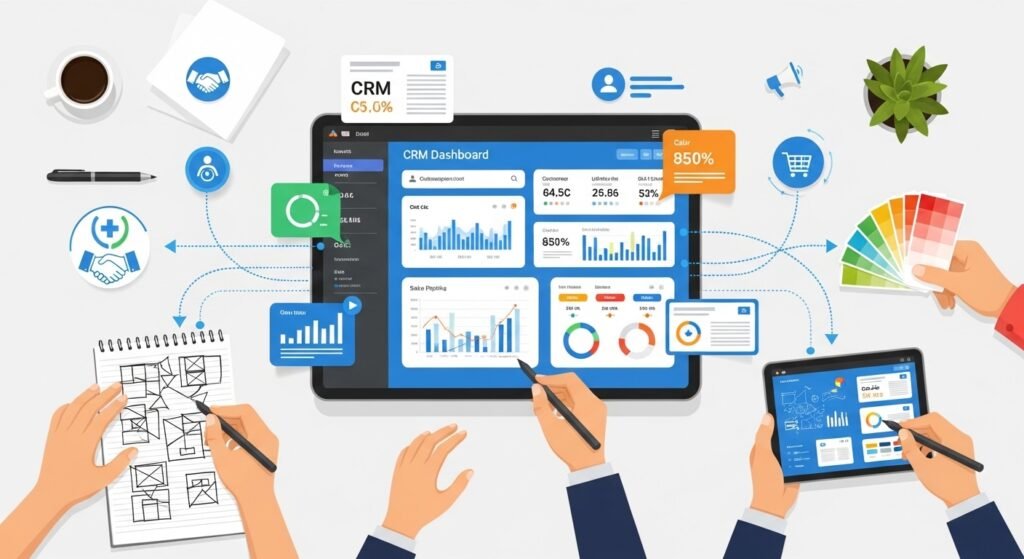
Your customer relationship management dashboard is the heart of the whole operation, and with Softr, you can make it actually look good. You can use Kanban boards to visualize your sales funnel, charts to track your monthly revenue growth, and detailed list views to see every interaction a lead has had with your team. It’s not just about looking at numbers; it’s about providing total transparency so everyone on the team knows exactly who is handling which deal and what the next step is. You can even embed reports from other tools directly into the view, creating a “one-stop shop” for your entire sales and marketing overview.
Understanding the Softr pricing structure
Before you go all-in, you have to look at the softr pricing to see which tier fits your current stage. They have a surprisingly generous free plan that lets you tinker with 5,000 database records and basic building blocks, which is perfect for solo operators just starting out. If you need a custom domain or want to start taking payments through Stripe, the Basic plan at around $49–$59 a month is usually the sweet spot. For larger teams that want to remove the “Made with Softr” branding and unlock advanced features like charts and conditional forms, you’re looking at the Professional or Business levels.
The role of it help desk services in CRM
When you’re setting up a custom system, you might worry about what happens when things get technical, but that’s where modern it help desk services come in. Softr is designed to be “no-code,” meaning you don’t usually need a developer, but if you’re building something massive for an enterprise, having a technical partner can help with complex API integrations or advanced security audits. These services ensure that your custom CRM stays compliant with regulations like GDPR and SOC2, keeping your client data under lock and key while you focus on the sales side. It’s about having that safety net so you can innovate without accidentally breaking your core business infrastructure.
Centralizing your world with Kuikwit.com
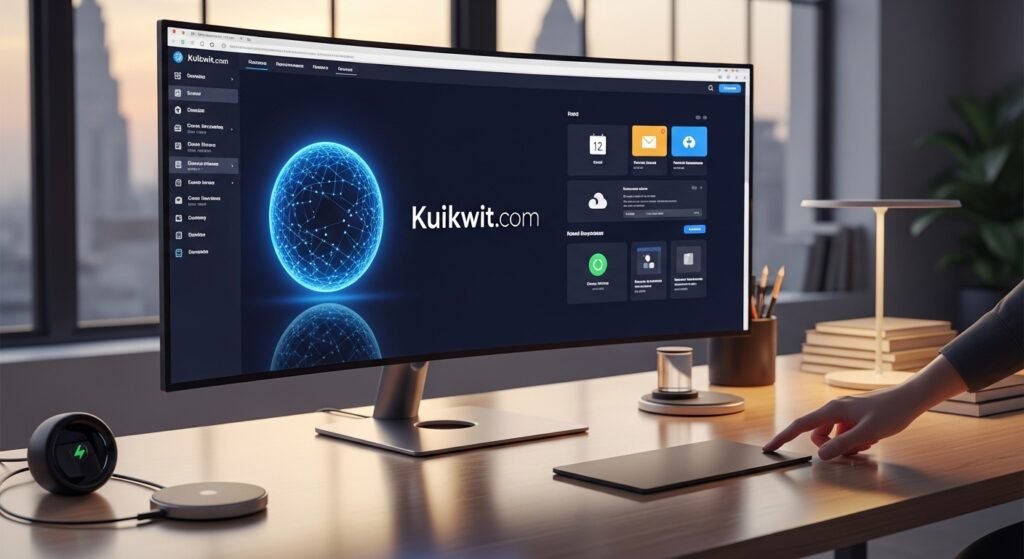
While your CRM handles the data, you still have to deal with the constant pinging of customer messages from every direction. This is where Kuikwit.com becomes a vital part of your stack. It’s a customer support platform that pulls in all those scattered messages from WhatsApp, Instagram, and Facebook into one clean dashboard. Instead of jumping between five different apps, your team can assign chats to the right people and use AI to answer those repetitive “what are your hours?” questions. It brings the same level of organization to your customer service that Softr brings to your sales pipeline, making sure no lead ever gets buried in an inbox again.
Comparing Custom Softr CRM vs. Off-the-Shelf Tools
| Feature | Custom Softr CRM | Traditional Off-the-Shelf CRM |
| Pricing | Flexible tiers; no per-seat “tax” | Often expensive per-user monthly fees |
| Customization | 100% control over every field and view | Rigid layouts that force a specific workflow |
| Setup Time | Hours to days using templates | Weeks of onboarding and training |
| Data Ownership | Lives in your own Airtable/Google Sheets | Locked in the provider’s ecosystem |
| Device Support | Mobile-ready by default (PWA options) | Varies; apps can be clunky or restricted |
A More Human Approach to Scaling
The biggest mistake I see small businesses make is waiting too long to get organized. They think they need to wait until they can afford a massive $300/month enterprise system, but by then, they’ve already lost twenty leads in a messy Gmail folder. Building a softr crm is the middle ground that actually works.
It feels a bit like playing with Legos—you just snap together the pieces you need right now, and then you add on a new room or a second floor next month as your team grows. You don’t have to be a “tech guru” to have a professional-grade system that makes your life easier and your customers feel valued.
Take a Saturday, connect your spreadsheet, and just see what you can build. You might find that once the “busy work” of manual data entry is gone—thanks to a little AI enrichment or automated reminders—you actually have time to do the work you love again.
Frequently Asked Questions (Google People Also Asked)
Can I use Softr as a CRM?
Yes, it is actually one of the most popular uses for the platform. You can connect it to data sources like Airtable or Google Sheets to create custom lead trackers, pipelines, and client portals without writing code.
How much does it cost to build a Softr CRM?
You can start for free, but a professional-grade setup for a team usually falls into the $49–$139 per month range. The best part is that you don’t pay per user, so your costs stay predictable as your team grows.
Is my data secure in a Softr-built app?
Softr is SOC2 and GDPR compliant and uses robust role-based permissions. This means you can control exactly who sees what—for example, a sales rep only sees their own deals, while a manager sees the whole pipeline.
Does Softr work on mobile?
Every app you build with Softr is responsive by default, meaning it works on desktops, tablets, and phones. You can even turn your CRM into a downloadable “Progressive Web App” (PWA) so your team can access it like a native icon on their home screens.
Can I integrate Softr with other tools?
Definitely. You can use native integrations or connect to thousands of other apps via Zapier, Make, or n8n to automate follow-up emails, lead routing, and Slack notifications.
Anyway, that’s about it for the world of custom CRMs. It’s a lot less scary than it looks once you get your hands on it, and the peace of mind you get from a clean dashboard is worth every minute of the setup…