


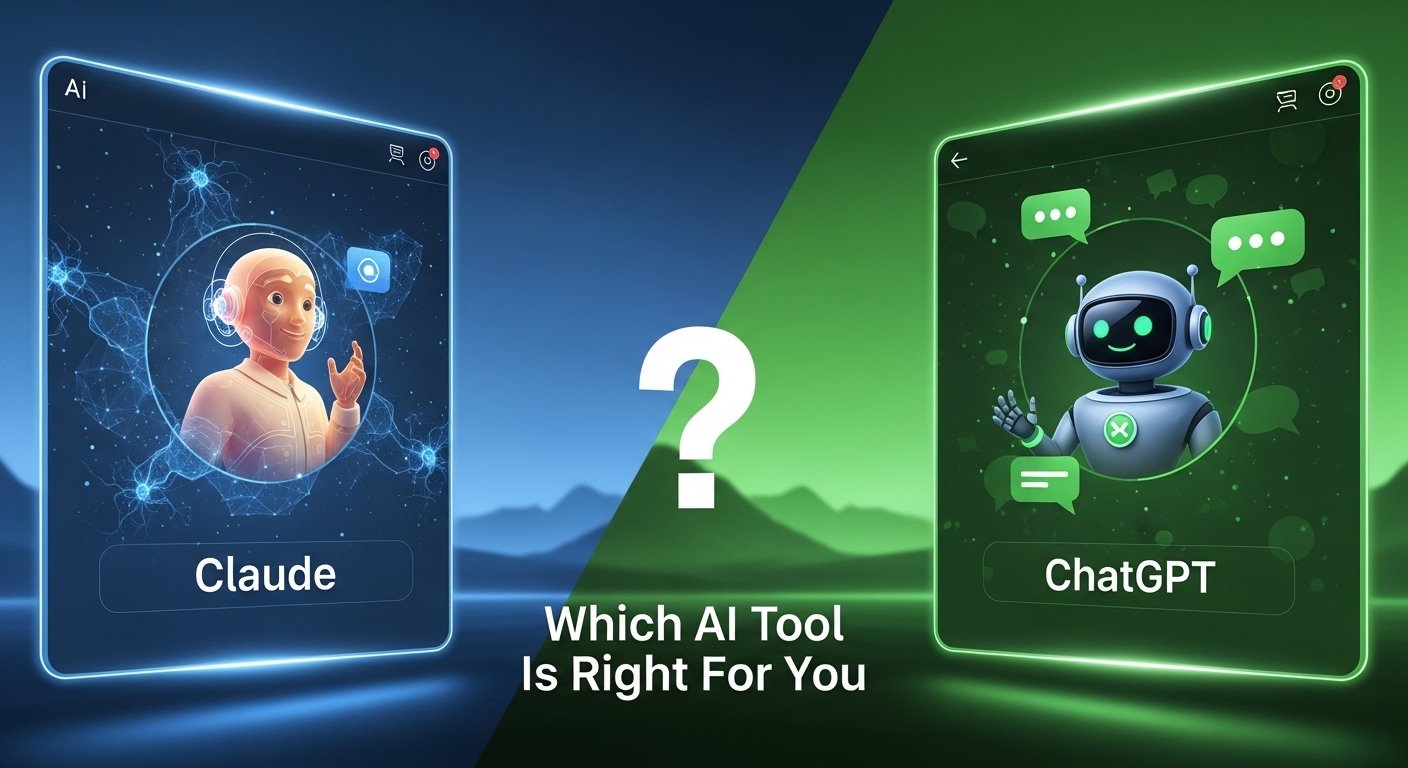

If you are trying to choose between Claude and ChatGPT, the real answer is not “one is better.” It depends on what you do all day. Writing, coding, research, image work, long documents, team workflows. These tools overlap a lot, sure, but they do not feel identical once you actually use them for real work.
What is Claude AI vs ChatGPT?
Claude AI is Anthropic’s assistant, while ChatGPT is OpenAI’s assistant. Both are general-purpose AI tools that help with writing, coding, analysis, research, and everyday tasks, but they differ in product style, model access, and surrounding features.
Is it worth paying for Claude Pro or ChatGPT Plus?
For many users, yes. Claude offers Pro and Max tiers, while ChatGPT offers Plus and higher tiers. Whether it is worth paying comes down to how often you use the tool and whether you need better access, stronger models, or premium features. ChatGPT Plus is listed at $20 per month on OpenAI’s help page. Anthropic lists Free, Pro, Max, Team, and Enterprise plans on its pricing page.
How do these tools work?
Both systems are large language model products. You type a prompt, the model interprets it, then generates a response based on patterns learned from huge amounts of training data. After that, product features matter a lot too. File handling, context, tools, integrations, memory, image generation, coding agents. That is where the day-to-day difference starts to show.
Claude AI vs ChatGPT
This is the comparison most people are actually searching for. Not the theoretical one. The practical one. Claude tends to be framed by Anthropic as an AI for problem solving, deep work, writing, analysis, and coding, especially with products like Claude Code and its newer Claude model line. ChatGPT, on the other hand, has become more of a broad consumer and professional AI hub.
It handles writing and coding too, obviously, but it also pushes hard into image generation, voice, and a wider tool-style experience in the ChatGPT app. So the feel is different. Claude often comes across as calmer and more document-centric. ChatGPT feels more like a multi-tool that keeps expanding sideways into new modes of use.
What is ChatGPT and where does it fit here?

People still search what is chatgpt because they hear the name everywhere and assume it is the same thing as “AI” in general. It is not. ChatGPT is OpenAI’s chat-based AI product. You use it to draft text, rewrite ideas, explain topics, answer questions, brainstorm, code, generate images, and work through tasks in a conversational way. That sounds broad because it is broad. ChatGPT has become one of those products people open for ten different reasons in the same week. Study help on Monday. Email cleanup on Tuesday. A product draft on Wednesday. An image concept on Thursday. That flexibility is part of why it stays at the center of the conversation. And yes, that also means expectations get weirdly inflated sometimes.
Claude AI
Claude AI has a different brand feel. Anthropic positions it as a problem-solving assistant built for serious work like analysis, writing, coding, and complex thinking. That is not just marketing fluff either. The product pages lean hard into tackling hard problems, handling data, and helping with deeper workflows rather than only casual chat. Anthropic also leans into its “constitution” and safety framing more explicitly than most competitors, which shapes how people talk about Claude’s tone and behaviour. Some users really like that. Others feel it can become a bit cautious depending on the task. Still, if your day involves long documents, structured reasoning, code help, or polishing messy material into something cleaner, Claude has earned a strong place in the conversation for a reason.
ChatGPT AI
ChatGPT AI feels broader in everyday use. OpenAI’s product stack around it keeps growing, and that changes the comparison. You are not only comparing a writing assistant to another writing assistant anymore. You are comparing ecosystems. ChatGPT offers free access, paid tiers, image generation, voice features, and higher-end plans for heavier users. The product feels designed for general use first and specialist depth second, even though it can absolutely handle specialist work. That matters because users do not always want the “best model” in the abstract. They want the handiest tool. The one they can open quickly, ask three things, attach a file, maybe generate an image, and keep moving. ChatGPT is very strong in that kind of everyday flexibility.
Claude Pro vs ChatGPT Plus
This is where the buying decision gets more real. Claude Pro vs ChatGPT Plus is not just a model debate. It is a product access debate. ChatGPT Plus is listed by OpenAI at $20 per month and gives subscribers a more powerful experience with access to premium features and GPT-5.4 in ChatGPT. Claude’s pricing page shows Free, Pro, Max, Team, and Enterprise tiers, though Anthropic’s public pricing page is broader and more plan-based rather than centered around one single consumer tier page. The bigger question is not only cost. It is what you need more often. Better image tools and a more varied app experience? ChatGPT Plus starts to look attractive. Strong long-form drafting, problem-solving, and Claude-specific workflows? Claude Pro becomes easier to justify. The monthly spend is only part of the story. Habit matters more than people admit.
ChatGPT vs Claude for writing, research, and long documents
For writing, both are strong. That is the annoying answer, but it is true. The difference usually shows up in the feel of the output. Claude often gets praised for handling long documents and nuanced rewrites in a way that feels steady and less jumpy. ChatGPT is also strong at rewriting and ideation, but many users like it most when they want breadth, fast iteration, or a more tool-rich workflow around the writing itself. For research-style use, neither should be treated as an unquestionable source. Still. That has not changed. You ask, you get a draft or synthesis, then you verify. Where Claude can feel appealing is when the task is dense and text-heavy. Where ChatGPT can pull ahead is when the task spills into adjacent work like summarising, then converting that into a visual, then refining the copy again. Different rhythm. Different strengths.
Best tool for coding, agents, and technical work
This section matters because a lot of users no longer judge these tools by casual chat. They judge them by whether they save real hours. Anthropic is pushing hard here with Claude Code, which is described as an agentic coding tool that understands codebases, edits files, runs commands, and helps developers ship faster. That is a serious statement of intent. OpenAI, meanwhile, positions ChatGPT more broadly, but it also serves coding workflows very well, especially for debugging, explanation, scaffolding, and technical back-and-forth inside the app. If you are doing codebase-aware work and want a product explicitly framed around that, Claude’s developer positioning is hard to ignore. If you want coding help inside a wider general AI workspace, ChatGPT stays very compelling. So the answer changes depending on whether coding is your main job or just one of several things you use AI for in a day.
Claude vs ChatGPT vs Gemini
Once people start comparing two tools, a third name always appears. Usually Gemini. That is normal search behaviour now. Someone looking at claude vs chatgpt vs gemini is usually trying to avoid buyer’s regret rather than chase perfect objectivity. In plain terms, Claude is often associated with careful long-form analysis and serious writing or coding workflows. ChatGPT tends to win attention for product breadth, mainstream familiarity, and multimedia features like image generation. Gemini usually enters the conversation because of Google’s ecosystem and search adjacency. But if your choice is just between Claude and ChatGPT, dragging Gemini in can sometimes blur the decision more than it helps. Better to start with your actual tasks. Long document review. Everyday AI assistant. Team adoption. Coding help. Visual generation. Once you know the job, the shortlist gets less noisy.
Claude.ai, claude.ai, chatgpt com, and chatgpt online
A surprising chunk of search traffic is not informational at all. It is navigational. People type claude.ai, chatgpt com, or chatgpt online because they just want the right site. Claude’s product is available through Anthropic’s Claude experience, and its official consumer-facing entry points live under Anthropic’s Claude pages. ChatGPT’s official product pages live on OpenAI’s site and the ChatGPT app experience. This sounds obvious, but it matters for content strategy. A lot of articles miss the fact that users searching these phrases are not always asking for a definition. Sometimes they just want to land in the right place and figure out plans, features, or sign-in options fast. So yes, search intent around this topic is messier than it looks at first glance.
Free ChatGPT and ChatGPT Plus
The free-versus-paid question is still huge. OpenAI’s pricing page states that the free version of ChatGPT is available to everyone, while paid plans add a more powerful experience and access to newer capabilities. ChatGPT Plus specifically remains the better-known consumer paid tier at $20 per month. For a lot of casual users, the free version is enough. They ask questions, clean up a few drafts, maybe get some study help, maybe write a short email. Done. But once you use it daily, the premium tiers start making more sense. Faster responses, stronger access, better availability, newer features. That is the usual progression. Free gets you in the door. Plus is for people who stop treating it like a novelty and start building it into normal work.
ChatGPT image generator
This is one of the clearest differences in product feel right now. OpenAI has made image generation a visible part of the ChatGPT experience, with official announcements and help documentation showing that users can create images directly in ChatGPT, and newer image systems have been positioned as faster and more precise. That changes the comparison because it expands what ChatGPT is for. You are not only asking it to write or explain. You can ask it to create visuals, edit them, or turn an idea into something you can actually see. Claude, by contrast, is not publicly positioned the same way in its consumer product pages. So if image work matters even a bit to your workflow, social posts, concept mocks, blog visuals, product ideas, then ChatGPT gains a very practical edge. Not theoretical. Practical.
Claude Monet, Corbett and Claude, and why search intent gets weird
This part looks odd, but it is worth saying because keyword lists around AI get messy fast. Claude Monet is the painter, obviously. Corbett and Claude refers to things outside AI contexts depending on the search. These phrases are not relevant to choosing an AI assistant, but they do show how search terms can collide around one word. “Claude” is not a unique enough label on its own. That means a good blog post needs to anchor the AI meaning clearly and quickly. Otherwise it drifts. Readers bounce. Search engines get mixed signals. So if you are optimising content around Claude, you need clarity early. Mention Anthropic. Mention Claude AI. Mention the actual use case. Otherwise you end up competing with art history, names, and totally unrelated branded queries. Not ideal.
| Area | Claude | ChatGPT |
| Core positioning | Problem solving, analysis, writing, coding | Broad everyday AI assistant with expanding tools |
| Official plan framing | Free, Pro, Max, Team, Enterprise | Free, Go, Plus, Pro, Business, Enterprise |
| Consumer paid plan visibility | Broader pricing page | Plus clearly listed at $20/month |
| Coding angle | Strong push via Claude Code | Strong coding help inside broader app |
| Image generation | Not a headline consumer differentiator on official pages | Officially integrated into ChatGPT |
| Best fit | Deep text work, structured analysis, code-heavy workflows | Flexible daily use, multimedia work, all-round assistance |
The table looks neat, but real usage never is. People switch tools by task. They use one for a dense draft, one for image ideas, one for quick coding help, one for messy planning. That is actually the normal pattern now. Not loyalty. Utility.
So which one should you actually pick?
If your work is heavily text-based, with long documents, reasoning-heavy prompts, structured writing, and serious code workflows, Claude makes a very strong case. If you want a more all-round tool with broader consumer familiarity, image generation, flexible everyday use, and a wide feature surface, ChatGPT is probably the easier recommendation. That is the honest version. No drama. No fake winner. Just fit. The people happiest with AI tools are usually the ones who stop asking for a universal champion and start asking a simpler question. Which one helps me get through Tuesday faster without making a mess of it. That tends to be the better filter anyway.
FAQs
Is Claude better than ChatGPT for writing?
Sometimes, yes, especially for long, dense, text-heavy work. But ChatGPT is also very strong for writing, especially when the task overlaps with brainstorming, editing, and visual or tool-based workflows.
Is ChatGPT Plus worth paying for?
For regular users, often yes. OpenAI lists ChatGPT Plus at $20 per month, and it offers a more powerful experience with premium access and features.
Can Claude generate images like ChatGPT?
ChatGPT officially supports image creation inside the product. Claude’s official consumer-facing pages do not position it the same way, so ChatGPT is the clearer choice if images matter to your workflow.
What is the official Claude website?
Anthropic’s Claude product pages are the official place to access Claude information, plans, and product details.
Which is better for coding, Claude or ChatGPT?
Claude has a strong developer angle through Claude Code, while ChatGPT remains excellent for broad coding support inside a general AI workspace. The better option depends on whether coding is your main workflow or just one part of it.