


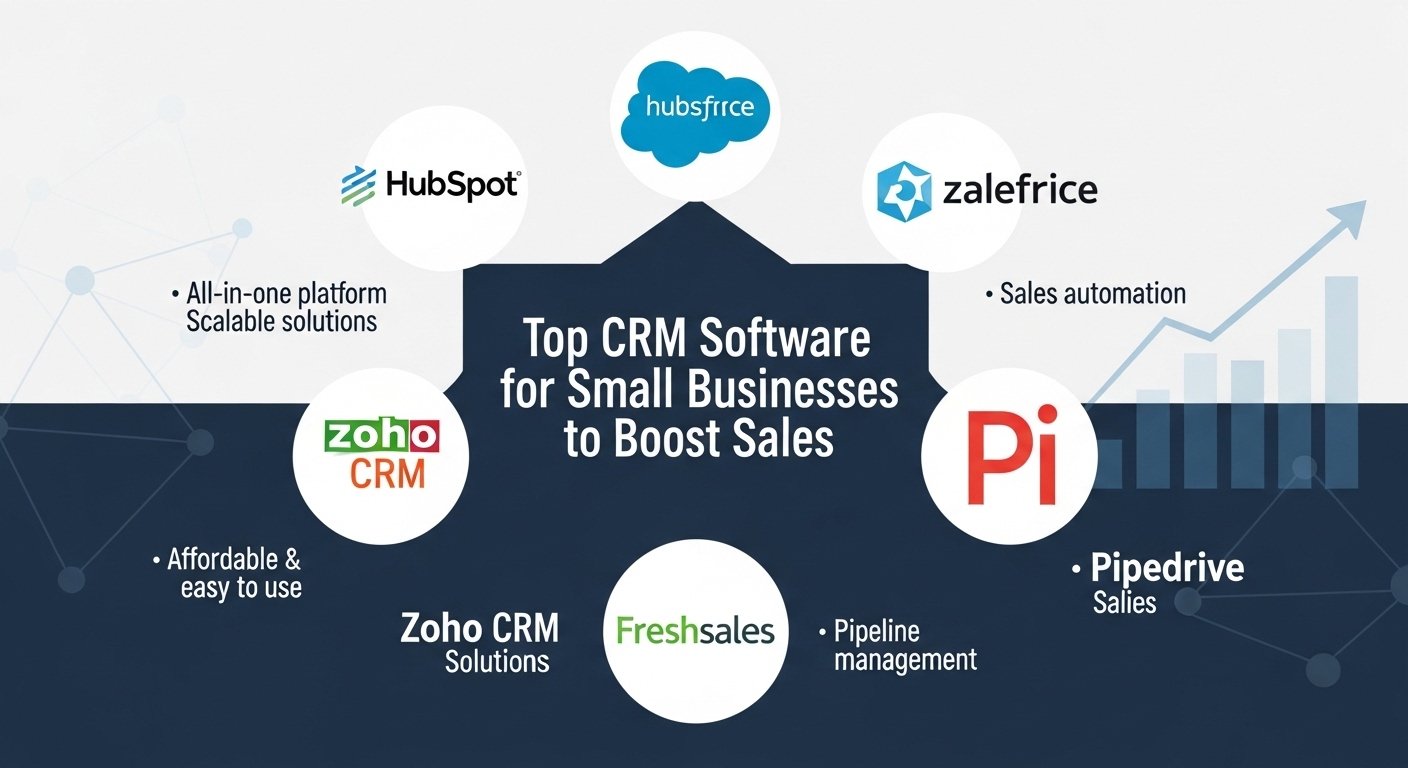

Running a small business is already a handful. Managing customer relationships, tracking leads, staying on top of sales, and keeping everyone on the same page can get overwhelming fast. That’s where CRM software for small business comes in. A good CRM doesn’t just track customer interactions — it makes your entire process smoother, saves time, and helps you grow. The right CRM Software for Small Businesses is one that’s simple to use, reasonably priced, and capable of managing your leads and customer interactions without creating extra work.
The wrong one adds friction your team will quietly abandon within a month. Below, we break down what to look for, the mistakes to avoid, and how the leading options — KuikWit, HubSpot, Salesforce, and Zoho — actually compare.
Which CRM Software Is Best for Small Business?
Choosing a CRM is like picking the right tool for a job — it depends entirely on your requirements. Some businesses need simple lead tracking; others need deeper automation and reporting. But two things are non-negotiable for a small business: it has to be user-friendly (nobody has time to fight a complicated system) and it has to be affordable without sacrificing the features you actually need.
The most popular options on the market right now are Salesforce CRM, HubSpot CRM, Zoho CRM, and KuikWit. Each is strong in different areas, and we’ll cover them below.
AI CRM Software for Small Business
AI CRM software uses artificial intelligence to automate workflows that used to eat your day — follow-ups, email responses, and lead scoring. For a small team, this is a genuine shift: AI can monitor customer activity, predict the best time to follow up, and surface which products a customer is most likely to want.
KuikWit is one example of AI applied to business communication. It integrates email, WhatsApp, and social messaging into a single inbox, so leads don’t slip through the cracks while you’re switching between apps. The main benefit of automated communication is time saved — particularly when you’re juggling multiple leads at once.
You can explore more on CRM to understand the bigger picture of customer relationship management.
Top CRM Software for Small Businesses
For a small business, a CRM has to fit your existing operations, be easy to use, and stay within budget.
Salesforce CRM is frequently rated one of the most powerful platforms available, with deep analytics, robust automation, and a huge library of integrations. The trade-off: it’s expensive and can feel like overkill for a small team, with a steep learning curve to match.
HubSpot CRM is the more budget-friendly route, and its free tier is genuinely useful — lead tracking, email logging, and pipeline management included. It’s a strong starting point for businesses new to CRM, requiring very little technical skill.
Zoho CRM sits comfortably in the middle. It’s affordable, highly customizable, and offers solid pipeline management, workflow automation, and reporting at a fraction of Salesforce’s cost. For small businesses that have outgrown a free tool but aren’t ready for enterprise pricing, Zoho is one of the best-value options available.
KuikWit is built around simplicity and unified communication, pulling multiple messaging and communication channels into a single platform. It suits businesses that want to streamline customer conversations without app-switching.
You can also explore Softr CRM to see another option tailored for small business needs.
Must-Have CRM Features
So which features should actually drive your decision? Look for a tool that organizes your customer data and improves how you interact with customers:
Lead and contact management. View leads and customers in one place, with easy, structured follow-up.
Sales and marketing automation. Scheduled emails, reminders, and triggered follow-ups cut manual work and reduce human error.
Integrations. Your CRM should work in harmony with the tools you already use — email marketing, accounting software, and social platforms.
Analytics and reporting. Visibility into your sales pipeline, conversion rates, and customer behavior so you can make decisions based on data, not guesswork.
Mobile access. If you’re often on the move, a CRM that works on your phone or tablet is essential.
You can also check out Cloud CRM to understand the flexibility of cloud-based solutions.
Matching a CRM to Your Sales Process
One thing small businesses often overlook is how well a CRM fits their existing sales process. The right CRM automates routine tasks, tracks leads, and gives clear pipeline insight without adding stress. If it’s hard to use or fights your workflow, it ends up hurting more than helping.
This is where a communication-centric tool like KuikWit earns its place — by centralizing conversations and automating follow-ups, it lets sales reps focus on converting leads and closing deals rather than managing scattered messaging tools.
CRM Software: Advantages and Disadvantages

Advantages
- Easier lead management — always know where each lead sits in the pipeline, which makes follow-up and closing simpler.
- Consistent customer interaction — all customer data in one place means more personalized service.
- Time savings — automated emails, reminders, and data entry free you up for higher-value work.
- Better conversion — improved processes and follow-up typically lift close rates over time.
Disadvantages
- Learning curve — fully-featured platforms like Salesforce can take real time to master. Simpler options (HubSpot, Zoho, KuikWit) reduce this.
- Cost — high-end CRMs get expensive at scale, though free tiers (like HubSpot’s) help smaller teams start at no cost.
- Data overload — without a clear process, you can drown in data that’s hard to act on.
Comparison Table
| CRM Software | Key Features | Pricing | Best For |
| KuikWit | All-in-one, multi-channel inbox, automation | Free trial; custom plans | Small businesses centralizing communication |
| HubSpot CRM | Free plan, lead monitoring, easy to use | Free / paid tiers | Businesses just starting with CRM |
| Zoho CRM | Affordable, customizable, pipeline management | Paid (low entry cost) | Flexible, budget-conscious teams |
| Salesforce CRM | Highly customizable, deep analytics, integrations | Paid (premium) | Complex needs and fast growth |
Mistakes to Avoid
Skipping team training. If your team doesn’t know how to use the CRM, it’s worthless. Get everyone aligned from day one.
Ignoring data hygiene. Keep customer data clean and current. A cluttered database makes lead management progressively harder.
Overlooking integrations. Confirm the CRM connects with the tools you rely on — email marketing, accounting, and messaging — before you commit.
Frequently Asked Questions
- Which is the best CRM for small business? It depends on your needs and budget. KuikWit, HubSpot, Zoho, and Salesforce are among the most popular choices — KuikWit for unified communication, HubSpot for a free starting point, Zoho for value, and Salesforce for complex requirements.
- How does CRM software improve customer relationships? By recording every customer interaction, a CRM lets you personalize service and follow up more relevantly.
- Can small businesses use Salesforce CRM? They can, but the licensing fees and implementation costs are steep. Simpler alternatives like KuikWit, HubSpot, and Zoho are often a better fit.
- How do I pick the right CRM for my business? Weigh your budget, ease of use, and the features you genuinely need. If centralizing communication is the priority, KuikWit is a strong choice.
- What is data hygiene in CRM? The ongoing practice of keeping customer data clean, accurate, and up to date.
- Why does CRM software need automation? Automation saves time by handling repetitive tasks like follow-ups and reminders, reducing errors along the way.
- How does CRM software boost sales for small businesses? Through more efficient communication, better lead management, and task automation — all of which support higher conversion and stronger customer loyalty.