


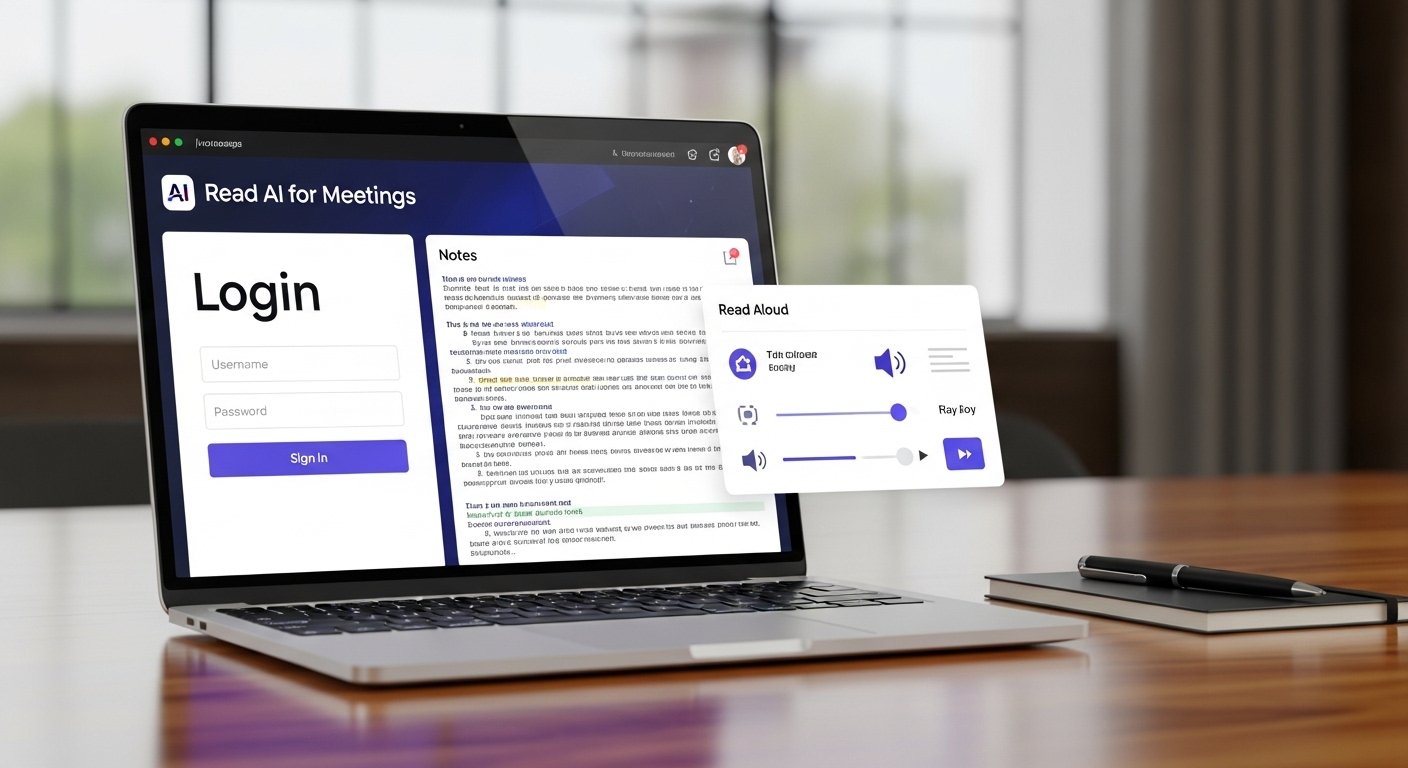

If you have ever sat through a long meeting and then struggled to remember what was actually decided, tools like read ai start to make a lot more sense. They sit inside the flow of calls, notes, summaries, and follow-ups, then turn messy conversation into something clearer. Not perfect every time. Still useful.
What is Read AI? Read AI is a meeting productivity tool that helps capture summaries, action items, transcripts, and insights from online meetings.
Is Read AI worth it? For many teams, yes. It can save time, reduce missed details, and make follow-ups easier after Zoom, Google Meet, or Microsoft Teams calls.
How does it work? It joins meetings, records the conversation, processes the transcript, and generates notes, highlights, and key takeaways using AI.
What Read AI actually does
At a basic level, Read AI is designed to help people handle meetings without depending on rough handwritten notes or half-remembered details. That is the simple version. In real use, it goes a bit further. It can track discussion points, capture action items, produce summaries, and show who talked most, who was engaged, and where the key decisions happened. For managers, that can be helpful. For sales teams, maybe even more useful.
There is a difference between leaving a meeting with a vague sense of progress and leaving with clean notes, speaker insights, and a written recap you can forward five minutes later. That gap matters. A lot of people are not looking for flashy AI. They just want fewer missed details and less follow-up chaos.
What Read AI Actually Does
The read ai login experience matters more than people think because tools like this live or die by how easy they are to access. If sign-in feels clunky, people stop using it. Usually, users expect a simple login flow tied to a work email or calendar account, then a dashboard where recent meetings, summaries, and insights are easy to find. That part should feel quick. No digging around. No guessing where the notes went.
The best meeting tools make the first few minutes almost boring in a good way. You log in, connect your calendar, choose meeting preferences, and move on. That is what most users want. Not a new system to learn from scratch. Just a straightforward place to review calls, check past summaries, and keep everything from slipping through the cracks later.
AI Read Aloud and Voice Playback
The phrase ai read aloud often shows up when people want spoken playback, voice output, or content that can be read back in a more accessible way. In the meeting space, that can overlap with transcripts, spoken summaries, or voice-based review tools, though not every platform handles it the same way. Some users want to listen to a summary while driving or multitasking. Some need accessibility support.
Others simply retain information better when they hear it instead of scanning blocks of text. That is where read-aloud features become useful rather than gimmicky. Good voice delivery should sound natural enough to follow, not robotic to the point of irritation. And yes, that still happens with some tools. If an AI platform supports spoken recaps well, it adds another layer of convenience. It turns static notes into something easier to revisit when time is tight.
AI Read Tools and Meeting Productivity
When people search ai read tools, they are usually looking for one of two things. Either a meeting assistant that can listen, summarize, and organize details, or a reading assistant that can process text in a smarter way. In a work context, the meeting angle tends to dominate. Teams want help with review, memory, and follow-up. That is where the value becomes practical.
A manager can glance at a summary instead of replaying a full call. A recruiter can revisit candidate responses without relying on memory. A client success team can track promises made during a call and make sure nothing gets lost. None of this replaces good communication, obviously. But it does reduce friction. And friction is often the real enemy in remote work. Not lack of effort. Just too many details, too many calls, too many tabs open at once.
| Feature | What it helps with | Why users like it |
| Meeting summaries | Quick review after calls | Saves time |
| Action items | Tracks next steps | Reduces missed tasks |
| Transcripts | Full conversation record | Helpful for accuracy |
| Speaker insights | Shows engagement and talk balance | Useful for coaching |
| Calendar integration | Connects meetings automatically | Easier workflow |
Read AI Meeting Notes

One of the biggest reasons people use tools like this is for read ai meeting notes. That is usually the real pain point. Meetings happen fast, people jump topics, someone mentions a deadline, another person changes the priority, and by the end half the room remembers things slightly differently. Clean meeting notes fix that. Or at least reduce the damage. Good AI-generated notes usually include a short summary, the big talking points, action items, and maybe a breakdown of decisions or next steps.
The strongest versions do not try to sound overly formal. They just tell you what happened in a readable way. That matters because nobody wants to decode stiff, robotic summaries after a long day. A solid meeting note should feel close to how a smart human assistant would recap the conversation. Clear, short, useful. Nothing extra.
How Read AI Works Behind the Scenes
Most of these tools work by connecting with platforms like Zoom, Google Meet, or Microsoft Teams, then processing speech into text. After that, language models step in to organize the mess. They identify patterns, separate key points from side comments, and generate summaries that feel more focused than a raw transcript. The technology sounds neat, and it is, but what really matters is output quality. If the summary misses the decision point, users lose trust fast. If action items are vague, the notes stop being useful.
That is why the best tools are not just about transcription. They need context handling. They need decent speaker separation. They need to pick up what actually mattered. A meeting assistant that gives you every word without prioritizing anything is not saving much time. It is just creating a longer document.
Benefits for Teams That Live in Meetings
The main benefit is pretty obvious. Time. People save time before, during, and after meetings. But there are smaller benefits too, and they add up. Teams get better visibility into what was discussed. New employees can catch up on older conversations without asking five people for context. Managers can review patterns over time, not just one isolated meeting.
Sales reps can revisit client objections. Founders can check whether internal decisions are actually being followed through. It also helps people who are not natural note-takers. Not everyone can listen deeply and write neat summaries at the same time. That split attention problem is real. So in that sense, a good AI meeting assistant does not just automate admin work. It gives people a better chance to stay present in the conversation itself.
Common Mistakes to Avoid With AI Meeting Tools
One mistake is assuming the output is always correct. It is not. Names can be wrong. Context can drift. An action item may be phrased too broadly or linked to the wrong person. Another mistake is using the summary without checking the original nuance. This matters in legal, financial, or sensitive client discussions. There is also the privacy side.
Teams sometimes connect new AI tools too quickly without thinking through permissions, access settings, or recording consent. That can create a bigger issue than missed notes ever did. Then there is overreliance. People stop taking any notes at all, assuming the tool will remember everything for them. That sounds convenient until a summary misses one crucial sentence. These tools are best used as support, not as blind replacements for judgment.
Read AI vs Regular Note-Taking
Traditional note-taking still has one thing AI tools cannot fully replace: human judgment in the moment. A person can feel the room, catch tension, notice hesitation, and understand when one passing comment is actually more important than the official agenda. AI tools, on the other hand, are faster and far more consistent with documentation. They do not get tired halfway through the fourth call of the day.
They do not miss a line because someone was answering Slack messages. So the better comparison is not AI versus humans in a winner-takes-all sense. It is AI plus human review versus scattered manual notes. That combination tends to work better. The AI does the heavy lifting. The human checks the meaning. That is usually enough to make meetings feel less wasteful and more manageable.
Real-World Use Cases for Read AI
In hiring, recruiters use AI meeting summaries to review candidate interviews without relying on memory alone. In sales, reps use post-call notes to prepare next steps and avoid missing buyer concerns. In project teams, summaries help keep deadlines visible even when multiple departments are involved. In remote companies, where documentation matters more, these tools can quietly become part of the operating system.
Not glamorous. Just useful. Even solo consultants can benefit. Client calls get summarized, feedback is easier to track, and follow-up emails take less time to draft. That is probably why this category keeps growing. Not because people are obsessed with AI for its own sake. Because meetings are messy, and most people are tired of pretending otherwise.
Read AI FAQs
What is Read AI used for? Read AI is mainly used for meeting summaries, transcripts, action items, and post-meeting insights. It helps teams document conversations more clearly.
Does Read AI record meetings automatically? It can connect with calendars and meeting platforms, but the exact setup depends on user settings and integrations. Teams usually control when and how it joins calls.
Is Read AI good for remote teams? Yes, especially for remote or hybrid teams that rely heavily on meetings and need clear written follow-up after discussions.
Can AI meeting notes replace manual notes? They can reduce the need for manual notes, but they work best when someone still reviews the output for accuracy and context.
Are AI meeting assistants safe to use? They can be, but teams should review privacy settings, consent rules, data handling, and access permissions before rolling them out widely.
That is really where tools like this land. Somewhere between convenience and control. Not magic. Not pointless either. Just one more way to make meetings a little less slippery. Which, honestly, is enough for a lot of people.