Running a small business is already a handful, right? Managing customer relationships, tracking leads, staying on top of sales, and making sure everyone’s on the same page—it can get overwhelming. That’s where a CRM software for small business comes in. A good CRM doesn’t just help you track customer interactions; it’s a tool that can make your entire process smoother, save time, and even help you grow. Let’s dive into what the best CRM software can do for you and your business.
What is the best CRM software for small business?
The best CRM software for small businesses is one that is simple to work with, reasonably priced, and capable of assisting in managing your leads and customer interactions without creating a lot of extra work.
Is using CRM software a good investment for small businesses?
Of course! It helps you keep track of your customers, leads, and sales and makes it easier for you to follow up and turn leads into paying customers.
What role does CRM software perform for small businesses?
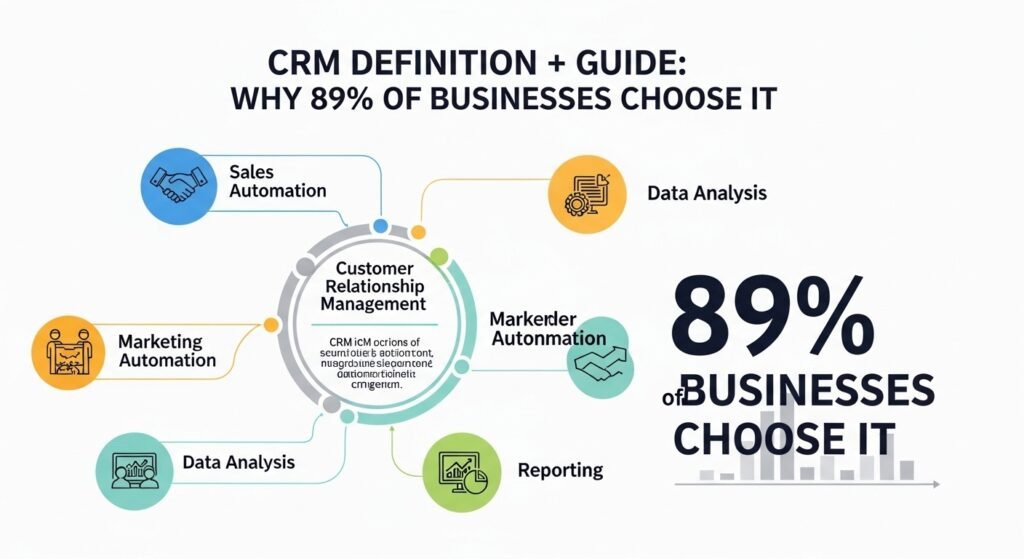
CRM software compiles a database of customer information, eliminates some manual tasks, and assists in sales pipeline management. It is about keeping everything organized and ensuring every customer is catered to.
Which CRM Software is the Best for Small Business?
The decision to select the best CRM software for small business is like choosing the right tool for work—it will depend on what your requirements are. While certain businesses may require simple software, others may need additional functionalities. But what are the features of a good CRM for small businesses? At the very least, it needs to be user-friendly. No one has time to fumble with a complicated system. Besides, it should not be very expensive. You need something that is affordable yet powerful.
Here, we provide a brief overview of a few CRM solutions that are quite popular in the market — Salesforce CRM, HubSpot CRM, and KuikWit. Each of these is good at certain things, and we’ll discuss them here.
Leading AI CRM Software for Small Business
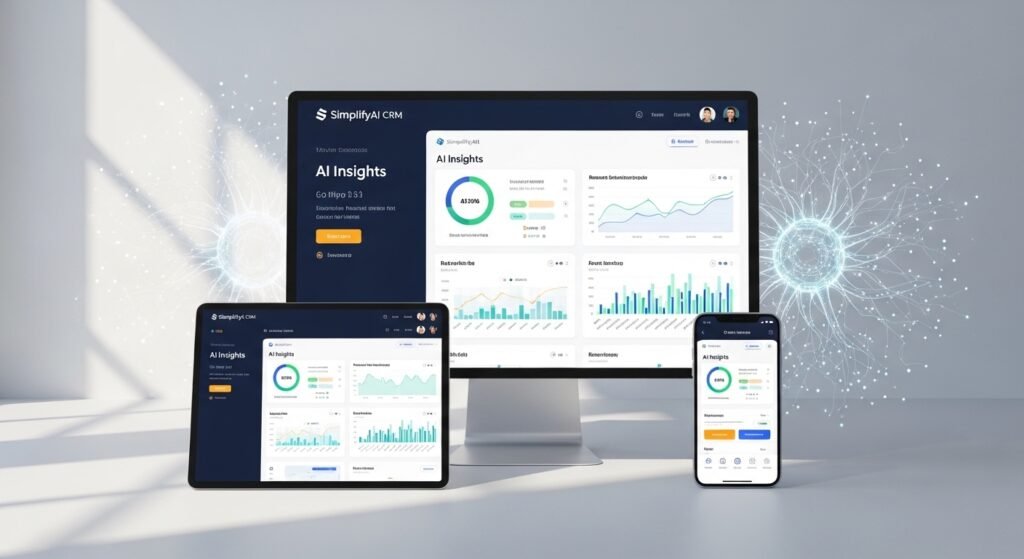
Talking about AI CRM software for small business, it usually means that these are CRMs that rely on artificial intelligence to automate even complex workflows, for example, follow-ups and email responses. It’s a revolutionary change for small businesses that can use AI to monitor customer activity and even forecast the time you should follow up or the type of products a customer might be interested in.
KuikWit is an example of bringing AI into business communication by supporting the integration of business communication with various message applications such as email, WhatsApp, and social media. The design is such that you do not miss any lead and you can respond to your customers without switching between different apps. The biggest advantage of having automated communication is that it saves you a lot of time especially when you are handling multiple leads.
You can explore more on CRM to understand the bigger picture of customer relationship management.
Top CRM Software for Small Businesses
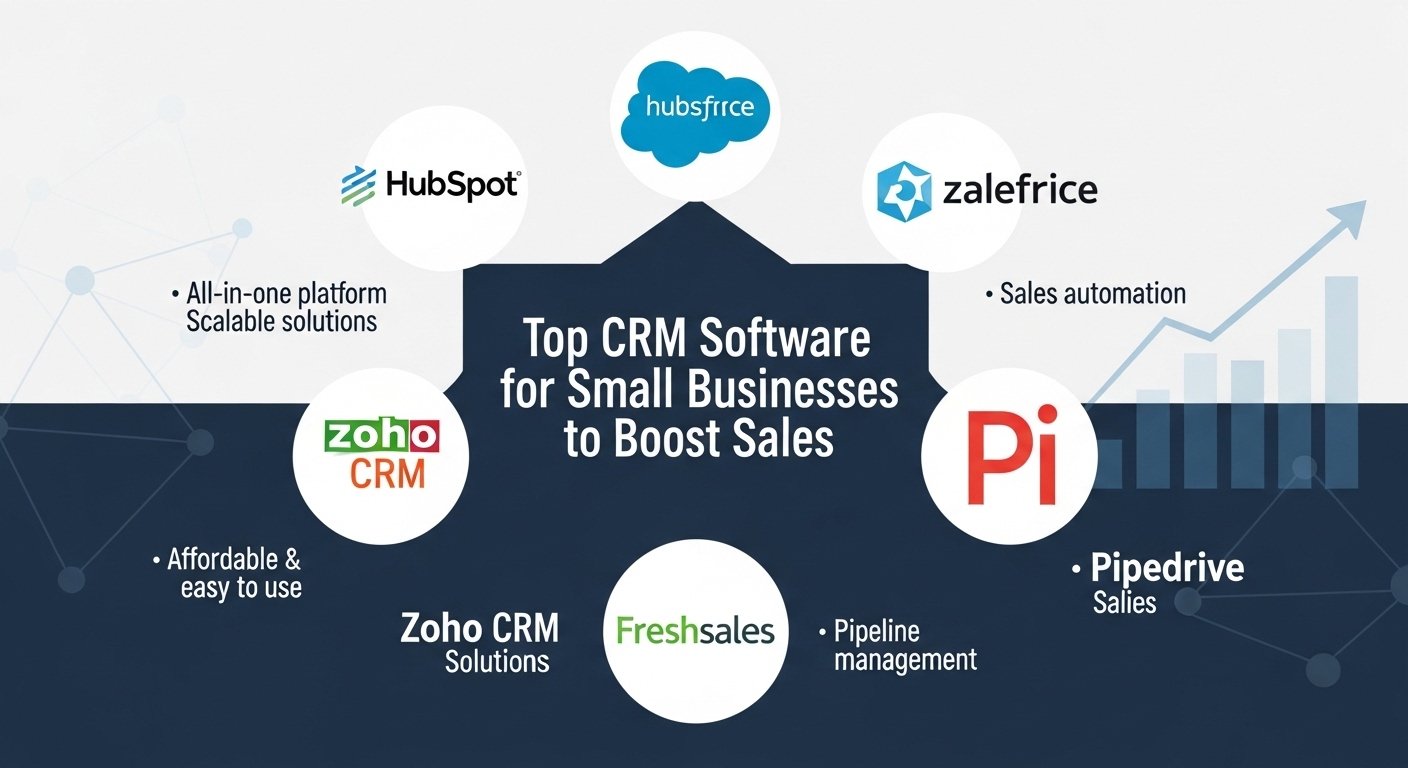
For small businesses, CRM software must above all be compatible with your current operations, be user-friendly, and not exceed your budget. In this sense, Salesforce CRM is frequently regarded as one of the very best CRM platforms, providing features such as very thorough analytics, automation, and a large number of integrations with other tools. However, the truth is that it can be quite expensive and might seem like too much for a small business.
By contrast, HubSpot CRM is the more budget-friendly option, and it even offers a free version that contains quite useful features such as lead tracking, email logging, and pipeline management. It’s suitable for small businesses just getting their feet wet with CRM and requires very little technical skills. And don’t forget about KuikWit — this is a CRM that is very simple to use and integrates multiple messaging and communication channels, making them available from a single platform. It is very suitable for businesses that want to streamline their communication by not having to switch through apps.
Explore Softr CRM to see another option tailored for small business needs.
CRM Software for Small Business: Must-Have Features
So, which features should you be looking at when deciding on a CRM? You want a tool that will not only get your customer data in order but also enable you to enhance your interactions with them. Here are some features that a good CRM software should have:
- Lead and Contact Management: You should be able to view your leads as well as your customers all in one location. A well-functioning CRM will facilitate customer relationship management and efficient follow-up.
- Sales and Marketing Automation: Apart from automating your everyday work, a CRM such as KuikWit can also schedule your emails, send reminders, and initiate follow-ups, thereby saving you a lot of time and minimizing human errors.
- Integration with Other Tools: Your CRM should be capable of working in harmony with the other software you use—email marketing, accounting software, or social media platforms.
- Analytics and Reporting: You want to be equipped with information about your sales pipeline, conversion rates, and customer behavior so that you can make the right decisions based on data.
- Mobile Access: Especially if you’re always on the go, having a CRM that is also accessible via your phone or tablet is extremely important.
Check out Cloud CRM to understand the flexibility and benefits of cloud-based CRM solutions.
KuikWit: The One-Stop CRM Solution for Small Businesses
We often mention KuikWit while discussing a CRM that makes communication easier and more manageable. Apart from offering a single, simple-to-use dashboard for managing customer communication from various sources—email, social media, chat, etc., KuikWit allows business owners and their employees to reply to customers without having to switch from one app to another, ensuring no leads are lost for that reason.
Besides bringing all your messaging apps into one interface and saving you from the notification overload, KuikWit also lets you set up automated follow-ups, handle your sales funnel, and even keep track of your customer interactions. So, this is a product that is highly beneficial for businesses that want to get organized and stay on top of their game.
Best CRM for Small Businesses: Sales Process Connection
One important element a lot of small businesses tend to neglect when deciding on a CRM is how well it will fit their existing sales process needs. A good CRM should be able to take care of your tasks automatically, keep track of your leads, and give you great insights into your sales pipeline without causing you stress. If it is very challenging to use or does not fit in with your workflow, it might end up hurting you more than helping you.
This is exactly where KuikWit gets top marks. By centralizing communication and providing you with automation tools, it is perfectly suited for sales process integration. Furthermore, it allows your sales representatives to place all their focus on the most important thing—converting leads and closing deals—without even a slight worry about managing different communication tools or missing any important messages.
What is Salesforce CRM?
Salesforce CRM is certainly one of the most recognized and widely-used CRM platforms. It has a strong feature set for managing leads, tracking sales, offering customer support, and reporting. But it is quite complex to use and expensive, which may deter small businesses. Large companies with complex needs will find it a dream come true, but small businesses might find it intimidating and hard to use.
You might want to check out HubSpot CRM or KuikWit if you are a small business owner looking for more flexibility. Both platforms provide potent features without the complexities and costs of Salesforce CRM.
CRM Software for Small Business: Advantages and Disadvantages

CRM software can be a great boon for small businesses, but you need to be aware of the pros and cons.
Advantages of CRM Software
- Lead Management Made Easy: With the help of a CRM, you can always know the location of each of your leads in the sales process, which will greatly facilitate your follow-up and deal closing.
- Consistent Customer Interaction: By storing all customer data in one place, you are able to deliver a superior and more personalized service.
- Time-efficient: CRMs will handle automatic sending of emails, reminders, and data entry, thereby leaving you with more time for other important activities.
- Increased Earnings: With better sales through improved processes and customer management, your revenue is expected to grow.
Disadvantages of CRM Software
- Difficulty Level: The big, fully-featured CRMs like Salesforce CRM have a very steep learning curve. But there are also simple and more affordable options such as HubSpot CRM or KuikWit.
- Expensive: High-end CRM software could be priced quite high, especially when you look at the whole company. But some vendors, like HubSpot, even offer a free version, making it a great choice for small businesses.
- Excessive Data: If you do not have a well-established process in place, you may find yourself drowning in data that is difficult to manage.
Top CRM for Small Businesses: Comparison
To make the comparison of some of the best CRM software options even easier, here is a simple table:
| CRM Software | Key Features | Pricing | Best For |
| KuikWit | Everything-in-one, multi-channel, automation | Custom pricing | Small businesses that require easy communication management |
| HubSpot CRM | Free plan, lead monitoring, user-friendly | Free/Paid | Small businesses just starting out |
| Salesforce CRM | Highly customizable, analytics, lots of integrations | Paid | Businesses with complex needs and fast growth |
| Zoho CRM | Cheap, customizable, pipeline management | Paid | Small businesses looking for a flexible solution |
CRM Software for Small Business: Mistakes To Avoid
While CRM software is an excellent tool, you also need to know how to use it correctly. Here are several mistakes:
- Failing to Train Your Team: If your team members do not know how to use the CRM, it will be of no use. Ensure everyone is aligned.
- Ignoring Data Hygiene: Always keep your customer data clean and up-to-date. If your database becomes cluttered, managing leads will become increasingly difficult.
- Overlooking Integration: Ensure that the CRM integrates well with other tools you will be using, such as email marketing and accounting software.
Full FAQ Section
1. Which one is the best CRM for small business?
The choice of the best CRM is dependent on the business requirements. KuikWit, HubSpot, and Salesforce are among the popular choices.
2. How does CRM software help in improving customer relationships?
Since CRM software records every interaction with customers, you can customize the service better and make it more personalized.
3. Is it possible for small businesses to use Salesforce CRM?
They can, but it has quite steep licensing fees and implementation costs. Simpler alternatives to Salesforce for example, are KuikWit and HubSpot CRM.
4. How do I pick the right CRM for my business?
Think about your budget, how easy it is to use, and the features you definitely need. KuikWit is a good choice in case your priority is centralizing communication.
5. What is Data Hygiene in CRM?
Data Hygiene refers to the continued maintenance of a clean, accurate, and up-to-date customer data repository.
6. Why is CRM software needs automation?
Automation is a time saver as it takes care of repetitive tasks such as follow-ups and reminders.
7. What sales boost methods can CRM software offer small businesses?
More efficient communication, better lead management, and task automation through CRM software contribute to sales improvement and increased customer loyalty.