

The beginning is usually quite subtle. An unusual alert. Some unclear warning. Sometimes a mere idea that won’t leave you alone after hearing about yet another online leak. The thought that your email password — the key to virtually everything digital — might not be as secret as you had thought it to be.A gmail passwords data breach is not necessarily a large hack in one go. It can be gradual exposure over time. Old leaks. Use of the same credentials. Databases being passed around longer than anyone remembers. And Gmail in the center of it all.
A gmail passwords data breach describes instances where Gmail account login details appear on leaked databases, usually as a result of third-party breaches rather than Google itself. These events provoke serious issues related to email security, password reuse, and the ease of one compromised login leading to multiple account takeovers. It is not so much about panic but more about realizing where the risk really is.
What is a Gmail passwords data breach?
Generally, it means that Gmail login information is included in leaked datasets, often exposed through other breached services.
Is this something new?
No. Most of the cases are about old data breaches coming to light or being re-circulated.
How does this even happen?
Mainly through password reuse, phishing, or third-party platforms being compromised.
How Gmail Password Exposure Actually Happens
Contrary to the headlines, Google itself hasn’t been directly hacked to the extent of leaking users’ passwords in plain text to the public. This fact significantly matters. Gmail passwords are not saved in a form that is human-readable on Google’s systems, and incidents like the Optus data breach highlight how data exposure usually happens through third-party failures rather than direct compromise of major platforms.
So where does the danger come from?
The point of vulnerability is almost certainly somewhere else.
People continually reuse passwords. A common one for email, shopping, forums, and random apps on your phone. When any of these services get hacked, the leaking of these credentials leads to attackers testing them against each and every email account. The hack is called credential stuffing. It sounds dull but can be very effective.
After the email is compromised, it becomes easy to get to more stuff quickly.Your mailbox is not just a collection of messages. It’s also a place where password resets, verification codes, and other identity-related information are stored. That’s why scenarios related to email password leaks feel more severe than most other hacks.
The Role of “Have I Been Pwned” in Email Checks
Have I Been Pwned is often mentioned in discussions about this topic. It doesn’t create fear. It shows you a reflection of yourself.
By entering your email, you can check whether your email address has been found in any breaches. This doesn’t mean Gmail was hacked. It means the email address was caught in some breach, somewhere, at some time.For quite a few people, this is the first rather troubling realization. Their email address has been floating around longer than they themselves had thought.More often than not, it is linked to passwords they can’t even remember using.
Google Gmail Data Breach Warning: What Those Alerts Mean
From time to time, Google may send google gmail data breach warning messages. Messages like these may disturb, but they are generally protective.Google constantly scans breach databases and tracks suspicious login behavior. If a credential set belonging to your email shows up in the list of leaked credentials, Google may ask you to change your password or freeze your account to prevent any unauthorized access.
It is not a blame game, rather, an early notice.
Just ignore it, and you are gambling with your digital identity.
Benefits? Not the Word, But There Are Outcomes
It is quite wrong to talk about “benefits” in relation to data breaches. However, certain outcomes have resulted in people taking security more seriously. Firstly, there is awareness. More and more people are discovering that Gmail isn’t the issue. The problem lies with the ecosystem—every signup, every “quick login,” each and every reused password.
Another result is the widespread use of password managers and two-factor authentication. Not because they have become fashionable, but because the risk of not using them became crystal clear, especially as more users started paying closer attention to account activity through tools like Google Search Console login and similar security dashboards that surface unusual access patterns.Last but not least, there is a change in behavior. A slightly more cautious attitude toward disclosing your email address. A slightly more care. These small differences spread over time.
Real Examples of Gmail-Related Password Leaks
Most of the time, real-life tales are just the opposite of the scenario where someone wakes up to find their bank account totally emptied. They tend to be more silent. One may detect unfamiliar “you have mail” notifications that they haven’t triggered. Password reset messages for services they don’t remember registering for. Receiving a security alert from Google after it has blocked a suspicious login attempt.
Many times, it turns out to be footprints of older breaches. Several years back. An app that you don’t remember installing. A forum where you participated once. This is exactly the kind of pattern a trained data analyst would recognize—how breaches linger quietly, resurfacing through forgotten accounts and long-abandoned platforms. That’s how data breaches can survive for a long time — not loudly, but persistently.
Common Mistakes That Make Email Breaches Worse
Among all possible mistakes, one that is most damaging is the repetition of the same password. It has still not disappeared anywhere.
Besides that, another one is equating time with the lack of importance. Just because a breach has taken place a long time ago does not mean that the data has vanished. It is constantly being sold, packed and mixed with other data, and resurfaced.Some people also misunderstand breach alerts. They panic instead of taking right action. Or even worse, they completely neglect the alerts.Then there is overconfidence. You think it’s “too big to fail” Gmail. Big platforms are secure. Users, less so.
Email Password Leak vs Direct Platform Breach
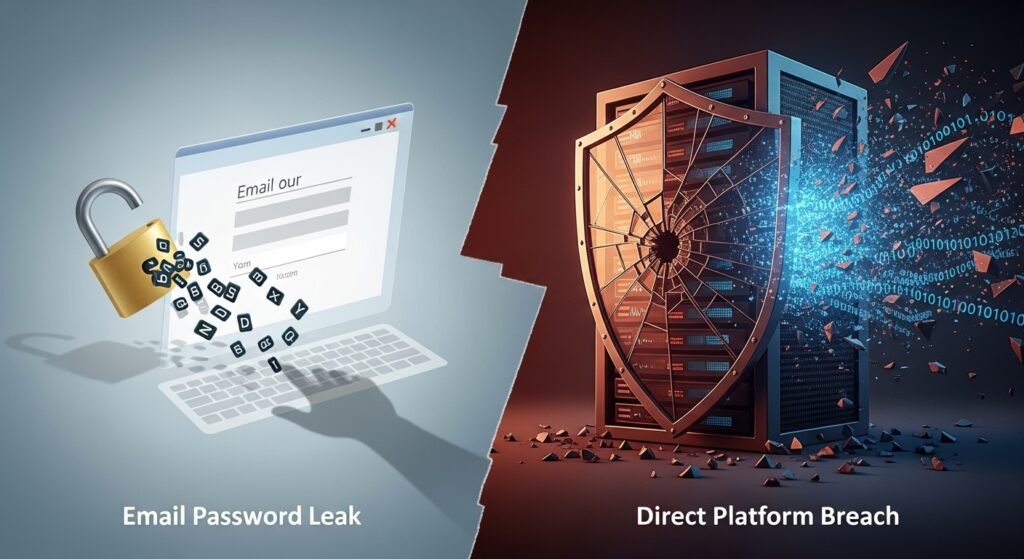
Distinguishing between the terms is important. A gmail passwords exposed data leak mostly refers to situations where login credentials appear in breach datasets connected to other platforms, not Gmail itself. A direct Gmail breach would mean a Google system hack—which hasn’t happened in that way. Your reaction depends heavily on this distinction: in one case, you change personal habits; in the other, infrastructure would need to change. Most discussions around this topic, including broader data breach explanations and online security analysis, fall into the first category, as outlined by resources like The Article Spot.
Gmail Passwords Data Breach in the Bigger Breach Landscape
Among the risk pyramid, email is at the very top. Not because of its prevalence, but mainly due to the ramifications of its compromise.
When compared to breaches of social media, the fallout from an email breach is far more significant. Email breach is slow but steady if compared to retail leaks. Healthcare breaches expose sensitive records. Email breaches expose access.Therefore, it is quite normal that discussions on breaches eventually revert to email regardless of the starting point.
How Email Check Tools Fit Into Modern Security
- A security check on your email isn’t a sign of paranoia but rather security maintenance.
- By checking your email on a breach database, you can see if a warning is just a single incident or part of a pattern.
- Using such tools shouldn’t be construed as a replacement for good habits but a strengthening of it.
Mistaking Noise for Risk
- Your account is not compromised every time a breach is mentioned in your account. Breaches are common. The internet remembers everything.
- The risk is in ignoring anomalies. Repeat alerts. Numerous login attempts. Unknown sessions.
- Security is not reacting to every newsflash. It is about responding to signals.
Comparisons: Gmail vs Other Email Providers
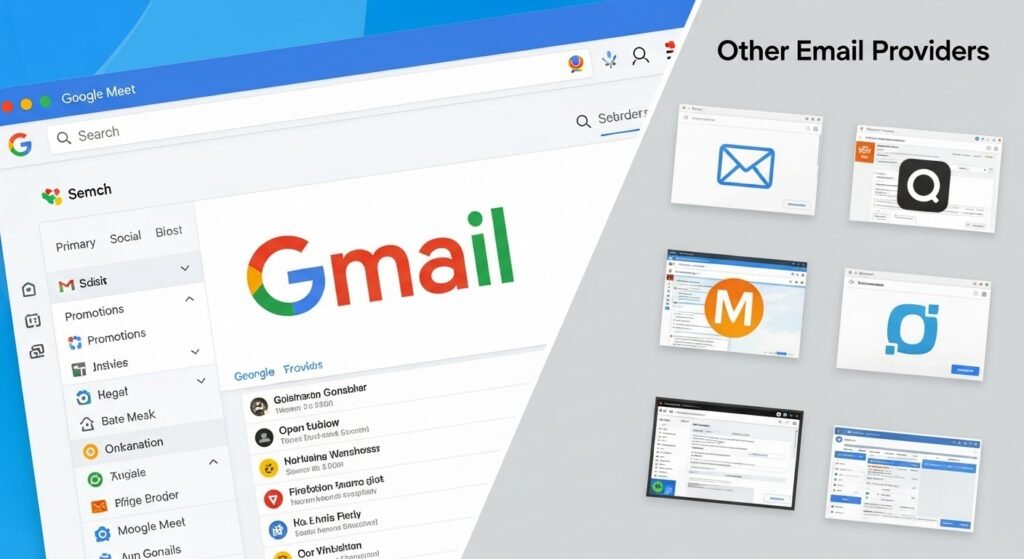
Gmail makes good use of its scale and detection systems, automated blocking, and behavioral analysis. Smaller providers may be missing some of those elements.On the other hand, big numbers can also be disadvantageous. Because of the number of accounts, Gmail ones are simply targeted more often.Security is a team effort. Platform and user. Neither alone is enough.
When to Actually Worry
Worry isn’t quite the right term.
Take action when you receive an alert on login that you didn’t perform and when you find out that your email has been linked to several breaches. Even take action if you have been reusing passwords over a long period of time.Not only does waiting not help, it even increases the danger because it delays your response.
Gmail Passwords Data Breach: The Human Side
What is often overlooked is emotional exhaustion. Security weariness. Overwhelming the victim with incessant security alerts. Constantly requested changes that make people tune out.That is a huge risk.The email is what keeps much of life functioning. Work. Finance. Identity. One doesn’t just lose the access, one is invaded. Silently.
Full FAQ Section
Has Google ever had a direct Gmail password breach?
To date, no evidence has surfaced that passwords for Gmail accounts have leaked directly from Google’s systems.
How can my Gmail be found in breach databases?
Mostly, your email address was part of a breach that occurred on another service not necessarily Gmail.
Does my Gmail being in a breach database mean my Gmail is hacked?
Not always. It simply means that the email address was exposed in a breach somewhere.
What if I get a Gmail security alert?
Change your password immediately and check your recent account activity to be sure.
Is a breach from the past still a risk?
Definitely. It’s common for attackers to reuse compromised accounts or codes to launch automated attacks.
How frequently should I change my email password?
Change it when you get a serious alert or there has been exposure, but not only because it is time to do it.
Is two-step verification enough?
No doubt, 2FA is the most powerful authorization step, but it is neither a substitute for a good password nor a cure for all ailments.
The truth is that the issue remains unresolved in its full extent. There isn’t a moment when you can say email security is “fixed.” It’s a continuous thing. Habits change. Tools get better. Threats keep on adapting.
Most people don’t radically change everything overnight. The change is gradual, along with the deletion one by one of the bad passwords and the taking of one alert more seriously than before.
And that is normally how it works.